Website Design for Restaurant QR Menu and Ordering Systems in the UAE
A QR menu company sells to restaurant owners, who want to see how it works before they trust it. This page explains what the product website needs, with five fictional samples.
A website for a restaurant QR menu and ordering system in the UAE should explain in plain steps how the menu is scanned, edited and used, show realistic phone demos, and give restaurant owners a clear route to ask questions. It needs feature pages, bilingual menu examples, honest limitations and a WhatsApp contact route.
Last updated:
Sample website designs for Restaurant QR Menu & Ordering Systems
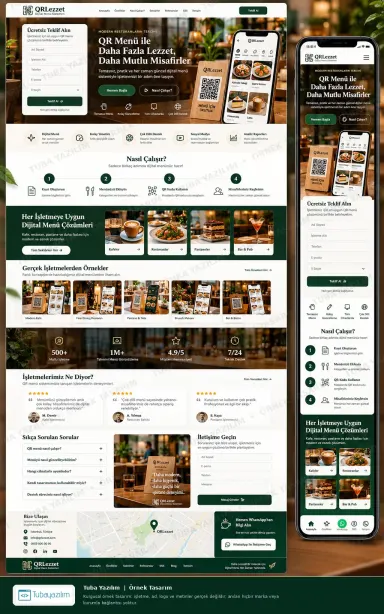
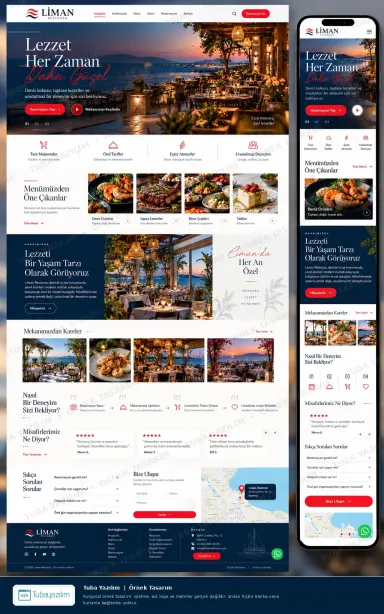
Green and cream design: phone-in-hand hero, quote form, how-it-works steps, product examples and FAQ. 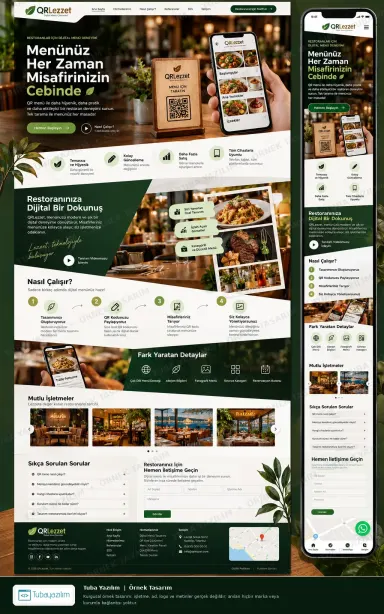
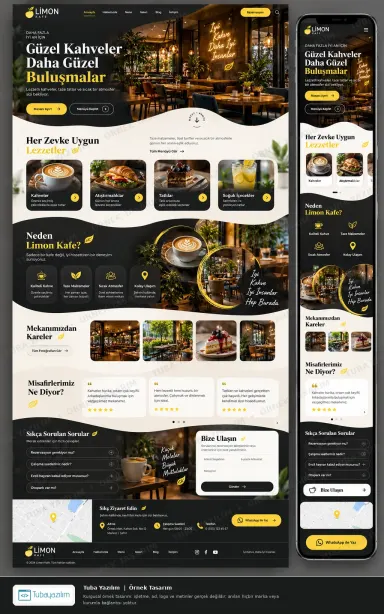
Dark green design with hand-held QR phone hero, venue photos, feature highlights and a numbered process. 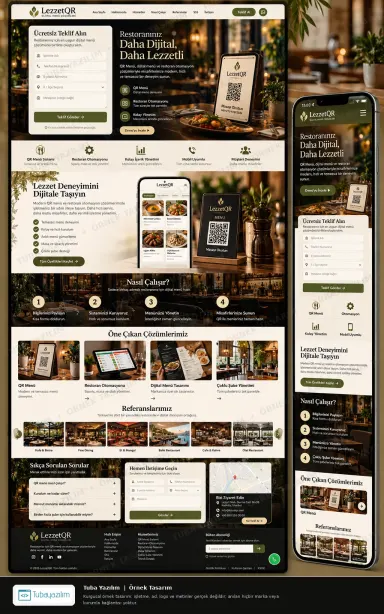
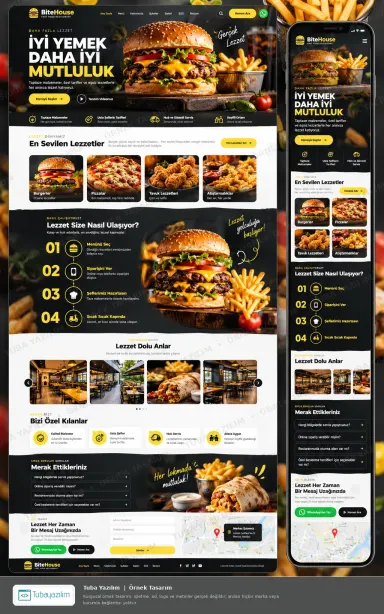
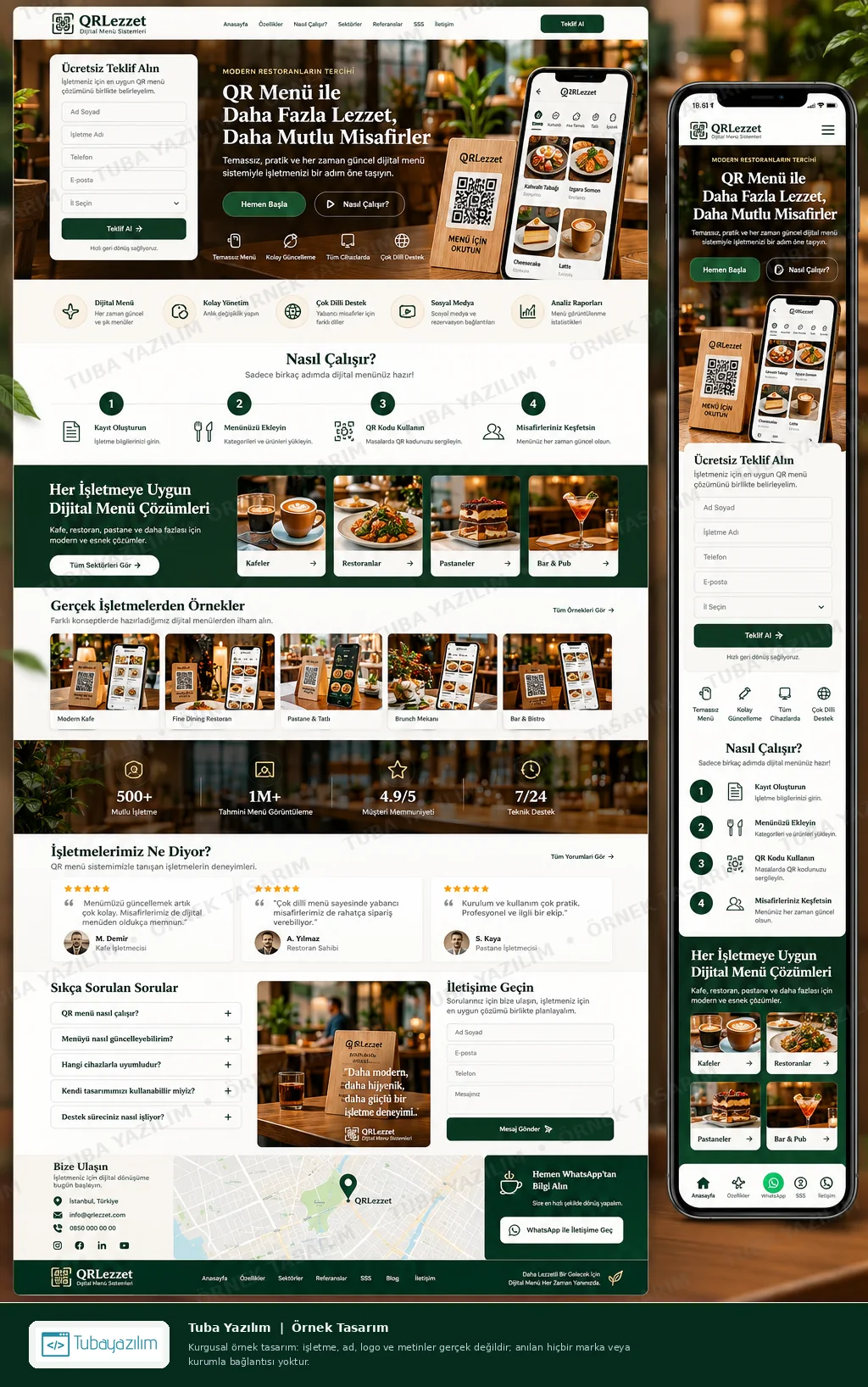
Cream design with table-top QR stand hero, benefit tiles, workflow steps, menu example tabs and map. 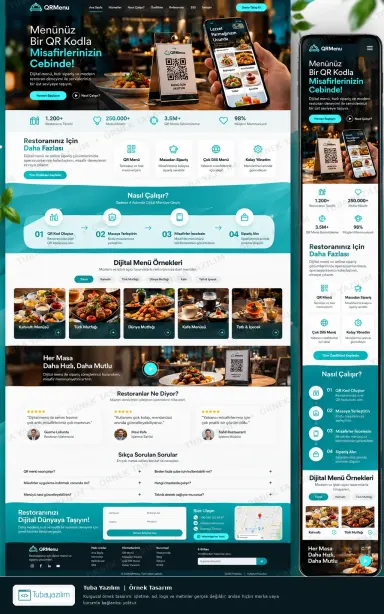
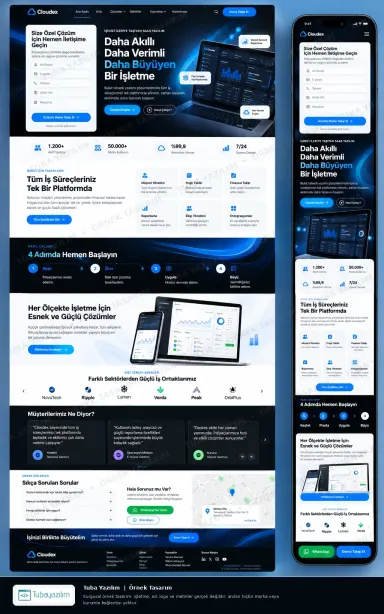
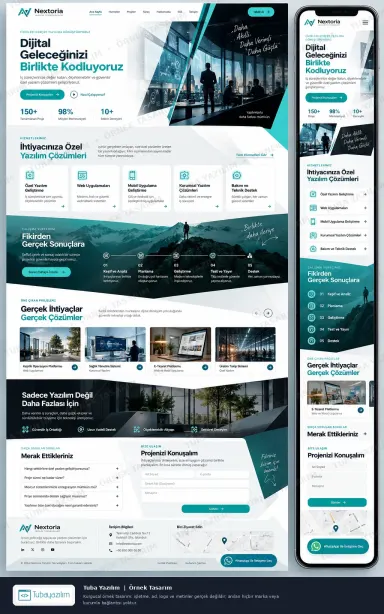
Teal and white design: QR ordering hero, feature icons, numbered steps, sample menus, FAQ and contact. 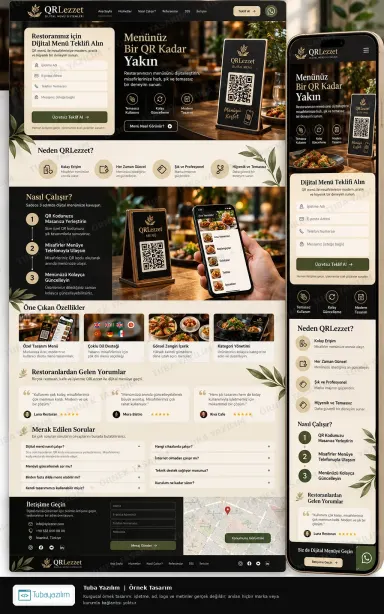
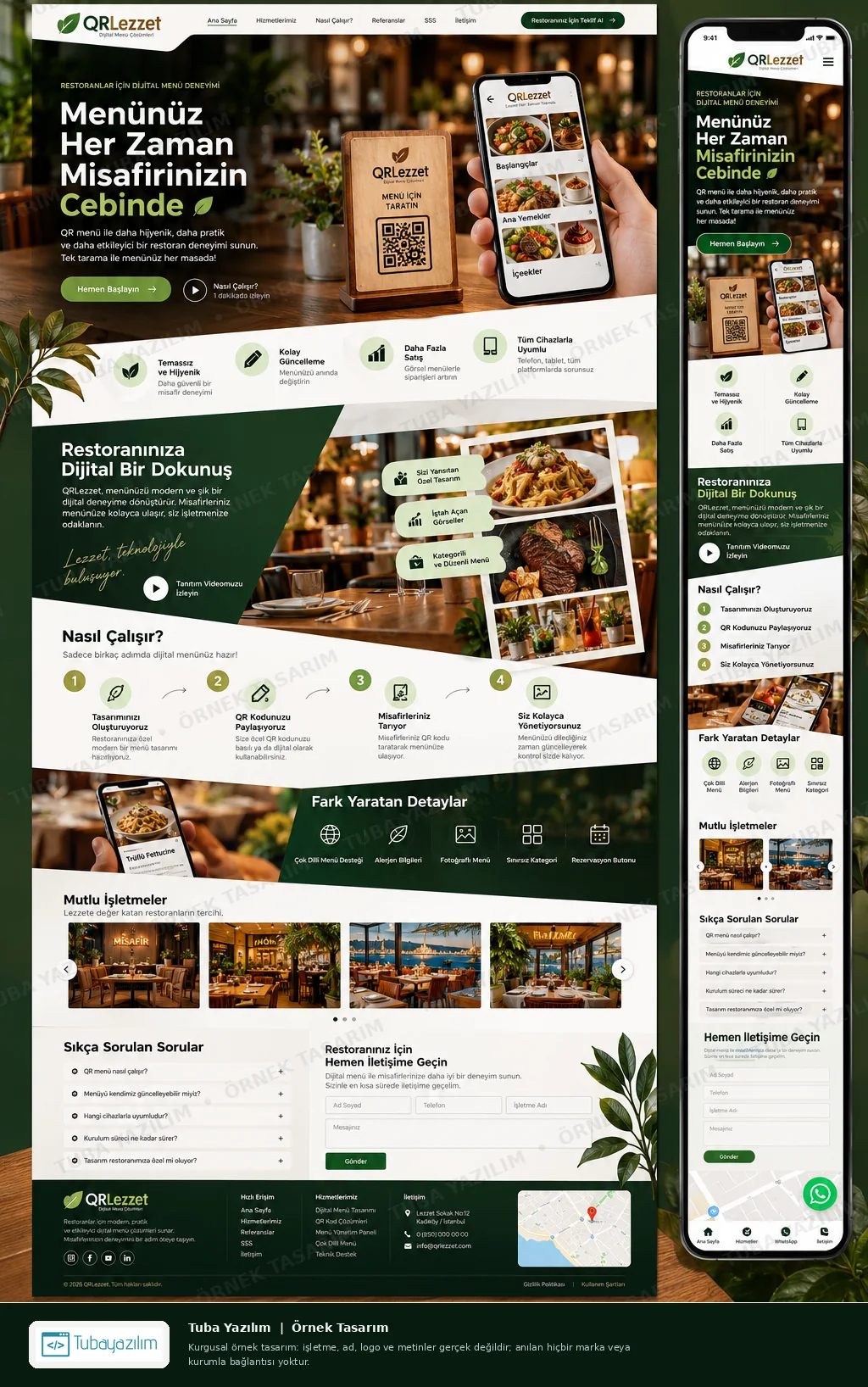
Dark brown and green design: QR stand hero, why-us section, usage steps, features, FAQ and map.
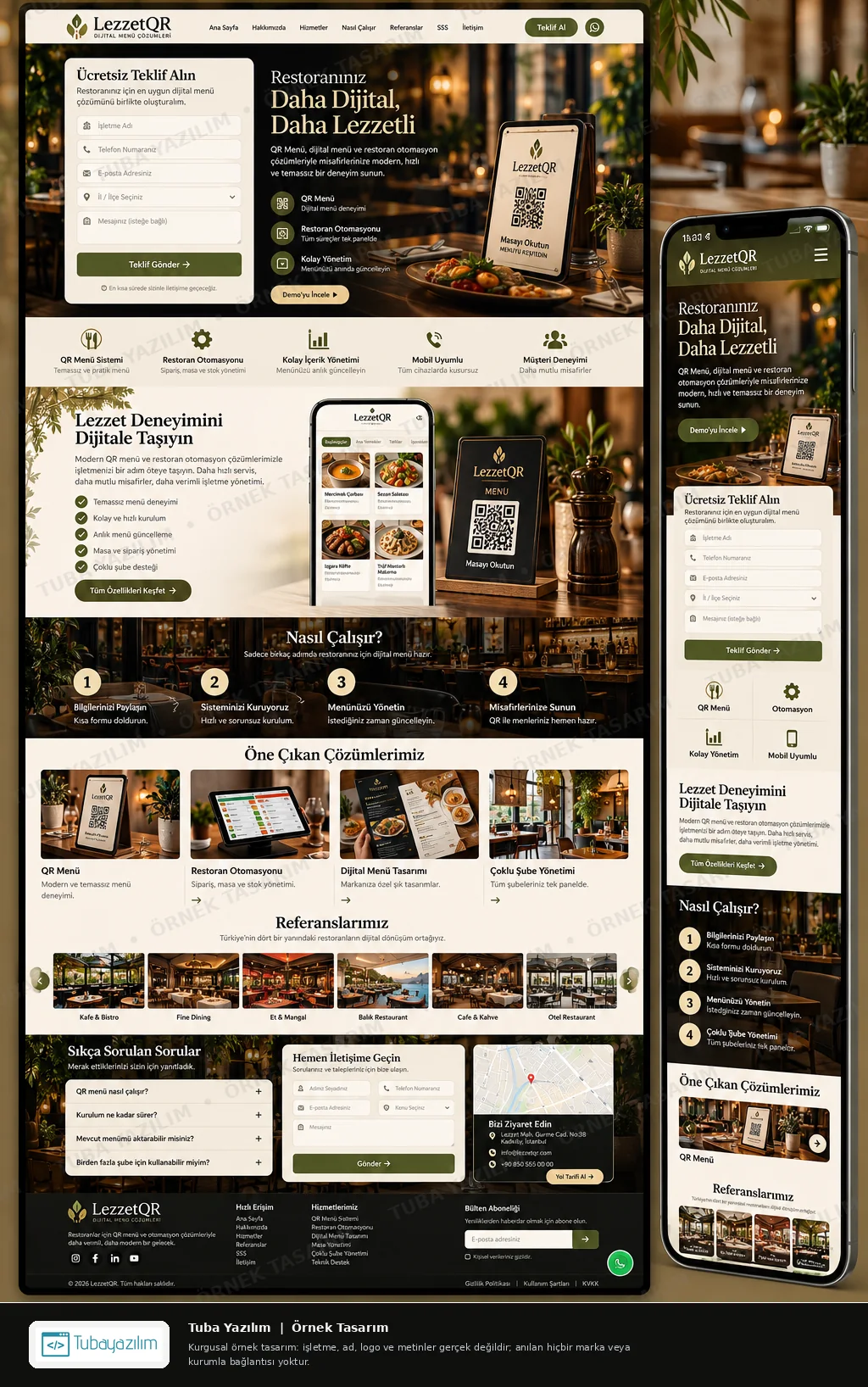
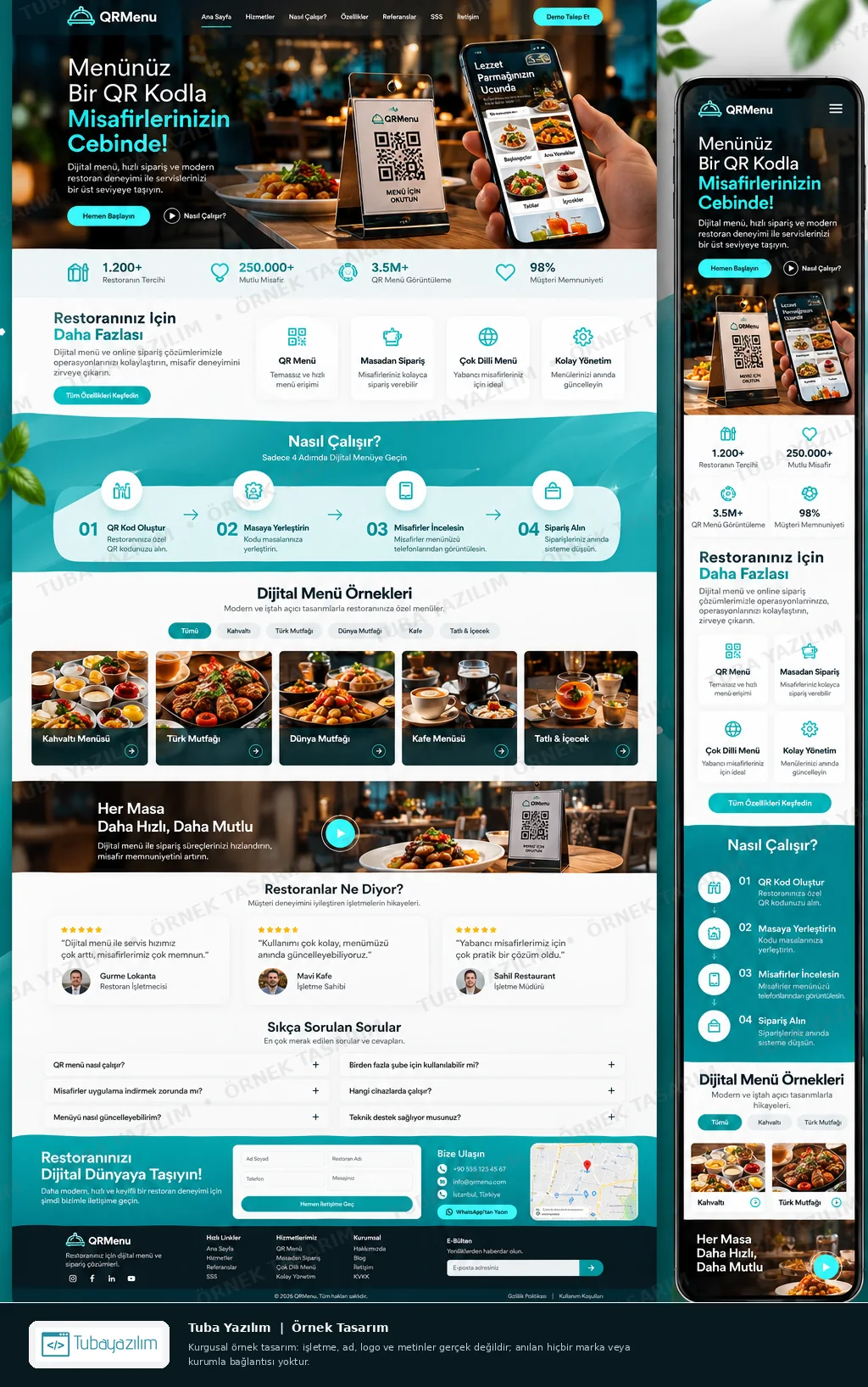
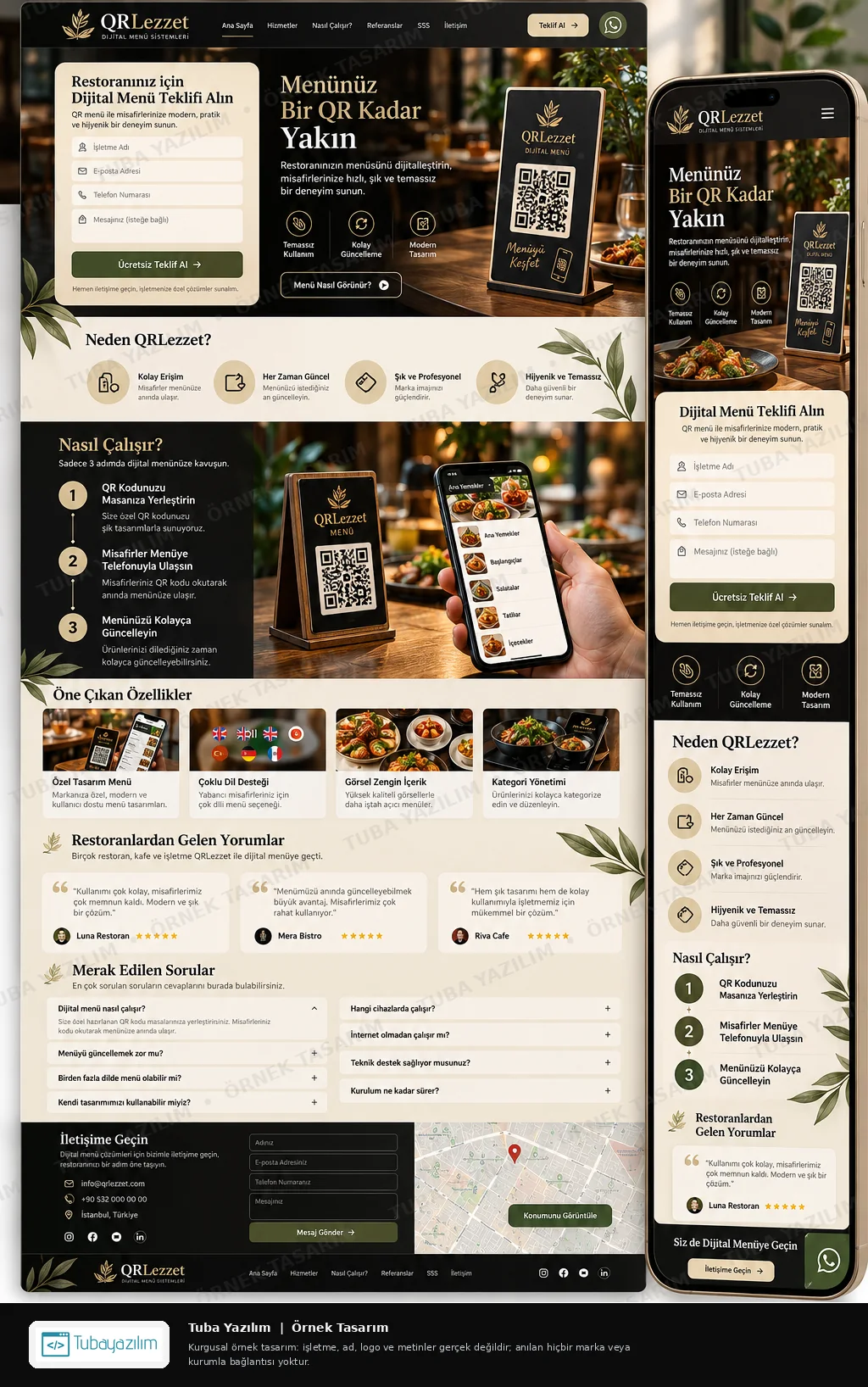
What should a QR menu and ordering system website include?
The site must turn a curious restaurant owner into someone who understands the product in one minute. That means showing the product, not only describing it.
- A hero with a real phone showing a menu and a QR stand on a table, so the product is visible immediately
- A step-by-step explanation: create the menu, print or place the QR, guests scan, the owner edits live
- Menu demos in English and Arabic, with photos, categories and dietary labels, to show multilingual handling
- A feature list kept honest: what is included, what needs the venue's own work and what is not offered
- Separate pages for cafes, restaurants and venues with several branches
- A contact form and a WhatsApp button for owners who want a demonstration
- An FAQ on printing, updating dishes, changing menus quickly and who owns the content
The samples vary from friendly to formal, but each leads with a phone and a QR code.
How do restaurant owners in the UAE evaluate a QR menu provider?
Owners usually compare two or three providers, looking for something they can set up quickly and change without calling a developer. They search with terms such as digital menu or QR menu for restaurants, then open sites to judge how clear the product looks.
Trust comes from specifics: a demo they can open, a clear description of what they can edit, and a direct person to ask. Because this is a business-to-business sale, owners often start a conversation on WhatsApp rather than filling a long form. Bilingual menus matter in a market where guests read different languages.
Search visibility here is about product and use-case pages rather than local maps. A structured business website with separate pages for each venue type helps owners find the right fit. Note that Tooba Web designs the product website; it does not operate the QR menu service itself.
What should a QR menu provider prepare before design starts?
Prepare working demos and plain descriptions of the service, because the website will only be as convincing as the product it shows. Where the service handles guest data or payments, privacy and payment rules apply, so confirm requirements with the relevant authority or a lawyer.
- Two or three demo menus that really work on a phone
- Screenshots of the editing dashboard, with fictional data
- A clear description of what is included and what is not
- Terms for support, content ownership and cancellation, in plain language
- Privacy wording for any guest data the system collects
Frequently asked questions
Can you build the QR menu system itself?
Tooba Web builds custom software and web apps as well as websites, so a custom menu tool is a separate project we can discuss. This page is about the website that presents such a system. Tell us which of the two you need when you get in touch.
Should the website include a live demo?
Yes, wherever possible. A demo menu that opens on a phone persuades more than a feature list. Use fictional dishes so you are not showing a real client's data, and make the demo available in English and Arabic if you support both.
How should ordering features be described?
State plainly what guests can do, such as browse, view photos and send an order to the kitchen, and who handles payment. Do not imply features the system lacks. Our design work will make the description clear; accuracy is the provider's responsibility.
Is WhatsApp enough for enquiries?
For most owners, yes. A WhatsApp button with a pre-filled message about their venue type starts the conversation quickly, and a short form can sit beside it for those who prefer email. Tooba Web works remotely and replies in the UAE working day.